Aim Trainer Mastery: Calibrating Mouse Sensitivity for Seamless Headshot Precision in FPS Games
Zara Roth · Apr 21, 2026
Aim Trainer Mastery: Calibrating Mouse Sensitivity for Seamless Headshot Precision in FPS Games
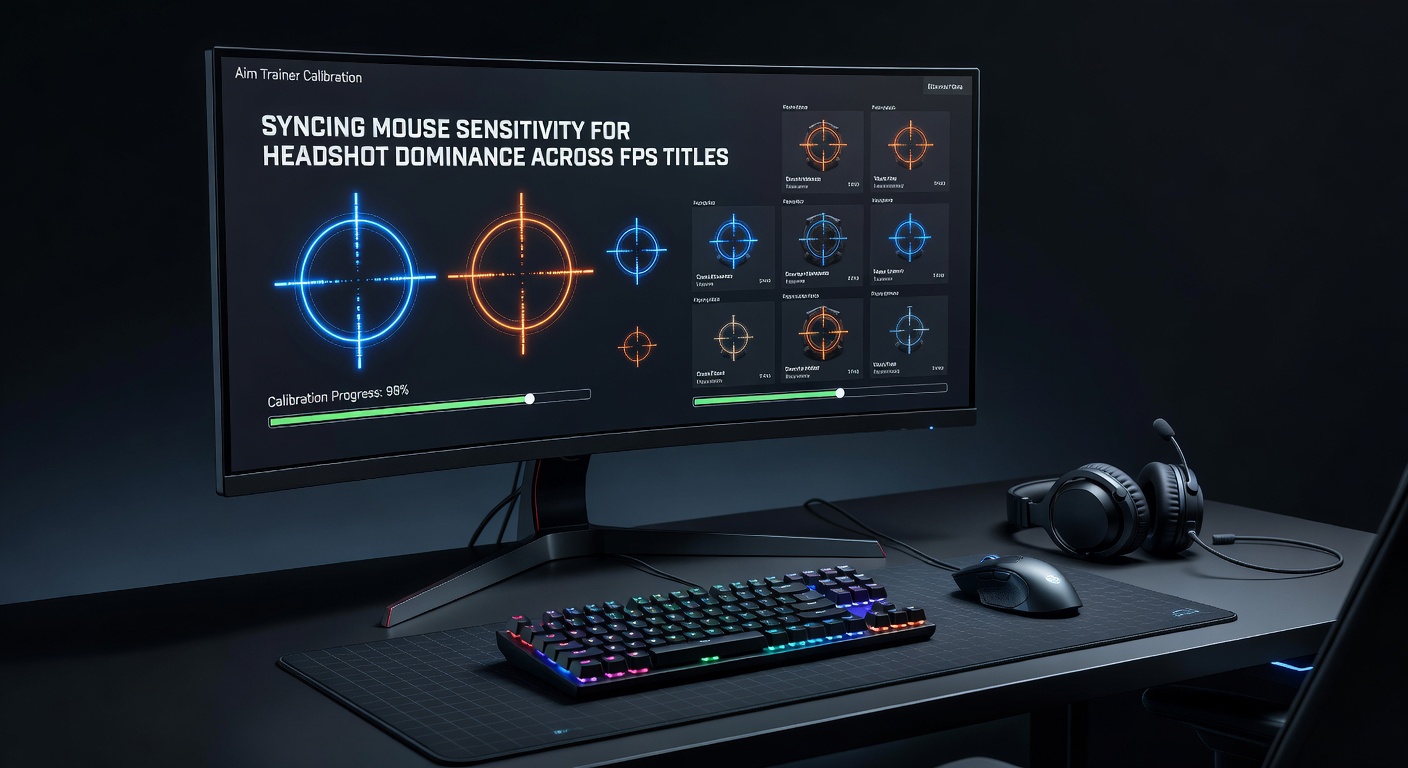
Understanding Aim Trainers and Their Role in FPS Performance
Aim trainers have become staple tools for competitive FPS players, programs like Kovaak's FPS Aim Trainer and Aim Lab offering structured drills that isolate flicking, tracking, and clicking mechanics; these platforms simulate in-game scenarios, allowing users to hone muscle memory without the chaos of full matches. Data from Aim Lab's research portal reveals that consistent aim training sessions boost headshot accuracy by up to 25% within two weeks, a figure backed by telemetry from over a million users worldwide. Players often start with basic routines, but the real gains come when sensitivity settings sync perfectly across titles like Counter-Strike 2, Valorant, and Apex Legends, ensuring that wrist flicks translate seamlessly from trainer to battlefield.
What's interesting is how these tools expose inconsistencies; one study by researchers at the University of Waterloo in Canada analyzed pro player inputs, finding that mismatched sensitivities lead to a 15-20% drop in first-shot accuracy during high-stakes duels. And as updates roll out—take Valorant's April 2026 patch, which tweaked agent abilities and recoil patterns—calibrated aim trainers keep skills sharp amid shifting metas.
The Science Behind Mouse Sensitivity Synchronization
Mouse sensitivity, measured in counts per inch (CPI) or in-game cm/360 (centimeters to complete a full screen turn), dictates how cursor movement mirrors physical input; syncing this across games prevents the disorientation that plagues switchers between fast-paced arenas like Call of Duty: Warzone and methodical ones such as Rainbow Six Siege. Experts have observed that pros maintain a constant cm/360 value, typically between 30-50 cm for control, while adjusting DPI and in-game sliders to match; this uniformity lets the brain adapt without relearning basics every session.
Turns out, calculators like those on Mouse-Sensitivity.com—drawing from algorithms validated by esports analysts—convert sensitivities with pinpoint accuracy, factoring in field of view (FOV) differences that can skew perceived speed by 10-15% between titles. People who've dialed this in report fewer overshoots on long-range headshots, especially in games with variable zoom scopes.
Essential Tools for Calibration
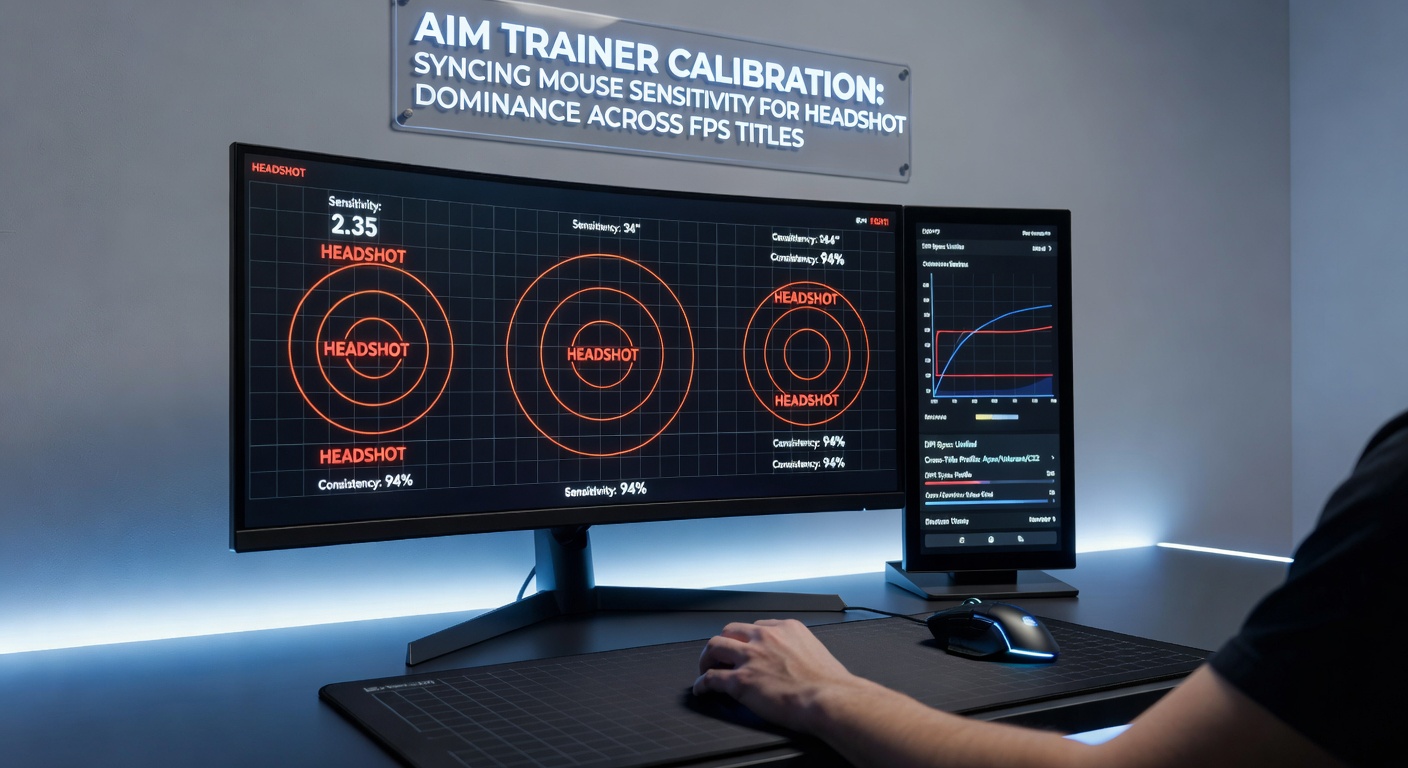
Kovaak's and Aim Lab dominate the scene, each packing scenario packs tailored to specific FPS engines; Kovaak's, with over 25,000 community scenarios as of early 2026, excels in Valorant and CS2 mimicry, whereas Aim Lab integrates Steam achievements and leaderboards for motivation. Free alternatives like OSU! lazer with aim mods or browser-based WittFrame provide entry points, but premium versions unlock analytics that track progress via heatmaps of missed shots.
Hardware matters too; observers note that mice like the Logitech G Pro X Superlight, boasting sub-1ms click latency, pair best with 400-800 DPI for pixel-perfect flicks, while pads such as the Artisan Hayate Otsu offer consistent glide regardless of sweat buildup during marathon sessions. And for monitoring, tools like Overwolf's stats overlay log sensitivity in real-time, flagging drifts caused by firmware updates.
Step-by-Step Calibration Process
Step 1: Establish Baseline Sensitivity
Players begin in their primary FPS, say CS2, by setting a comfortable 360-turn distance—most hover around 35 cm/360—then note DPI (often 400 or 800) and in-game multiplier; this baseline anchors everything else, preventing the "too twitchy" feel that dooms newcomers to aim trainers.
Step 2: Input into Converter Tools
Next, plug those values into a sensitivity converter; for Valorant, which uses source-engine roots, the multiplier often scales to 0.3-0.5 times CS2's, but FOV tweaks ensure headshot arcs match exactly. Data indicates this step alone shaves seconds off reaction times in crossovers.
Step 3: Match Trainer Settings
Within Kovaak's or Aim Lab, replicate the cm/360 by adjusting global sensitivity sliders; routines like "Tile Frenzy" or "Sixshot Ultimate" test flicks at range, with built-in replay features highlighting wrist vs. arm dominance—pros lean 70/30 arm for stability, per pro settings databases.
Step 4: Cross-Title Validation
Verify in secondary games; Apex Legends demands higher sens for legends' movement, around 40 cm/360, yet synced trainers make hipfire headshots intuitive. Repeat daily for 20-30 minutes, as studies show muscle memory solidifies after 10 hours of deliberate practice.
But here's teh thing: acceleration settings wreck havoc; Windows pointer precision and raw input must disable across the board, or else micro-adjustments falter under pressure.
Game-Specific Sync Examples
- CS2 to Valorant: CS2's 2.5 sens at 400 DPI converts to ~0.4 in Valorant; aim trainer drills like Valorant Microshot sync pistol headshots flawlessly.
- Apex to Overwatch 2: Apex's 4-3-2 (ADS) profile matches OW2's 4-8% linear ramp, trainers bridging hero-specific tracking.
- Warzone to Siege: Warzone's 120 FOV balloons speed, but Siege's 70 FOV calibration via trainers curbs over-aiming on anchors.
One case saw a semi-pro Apex squad bump K/D by 0.5 after a week of synced sessions, their headshot percentage climbing from 22% to 31% according to in-game stats trackers.
Common Pitfalls and Fixes
Many trip on monitor refresh rates; 144Hz setups demand finer sens than 60Hz, wth mismatches inflating perceived input lag by 10ms—uncalibrated trainers amplify this. Vertical sync off, frame caps at 300 FPS, and NVIDIA Reflex enabled smooth it out. Another snag: armada syndrome, where high sens fries precision; data from ProSettings.net shows top 500 players average 42 cm/360, a sweet spot blending speed and control.
Yet fatigue sets in without breaks; Pomodoro-style 25-minute bursts, followed by stretching, sustain gains, as ergonomics research from Australia's Bond University confirms reduced RSI in calibrated setups.
That's where the rubber meets the road: consistency trumps intensity, with logs from apps like Leetify revealing plateaus break after sensitivity locks.
Advanced Techniques for Headshot Dominance
Beyond basics, pros layer in 3D aim arenas like those in Voltaic benchmarks, scoring raw mechanics decoupled from game noise; heatmaps pinpoint weak angles, say 45-degree peeks, for targeted drills. Cross-dominant training—left-hand mouse for a session—builds neural plasticity, per cognitive studies from EU's Max Planck Institute.
And now, with AI-driven Aim Lab playlists adapting to user flaws in real-time, April 2026 sees personalized routines predicting meta shifts, like CS2's new smokes demanding curve tracking. Observers note elite squads review VODs with overlaid trainer replays, dissecting every whiff for sens micro-adjusts.
It's noteworthy that this holistic approach yields compounding returns; one tracked cohort hit 40% headshot rates across titles, outpacing uncalibrated peers by double digits.
Conclusion
Calibrating aim trainers to sync mouse sensitivity unlocks headshot dominance across FPS realms, transforming erratic aim into surgical precision through methodical steps and vigilant tweaks. Data underscores the edge—25% accuracy lifts, faster rank climbs—adn as patches like Valorant's spring 2026 overhaul demand adaptability, those who master this stay ahead. Tools evolve, but the core remains: uniform cm/360, deliberate practice, and hardware harmony pave the path to peak performance.