Optimizing Controller Sensitivity Curves for Precision Aiming in Cross-Platform Shooters
Zara Roth · Aug 11, 2026
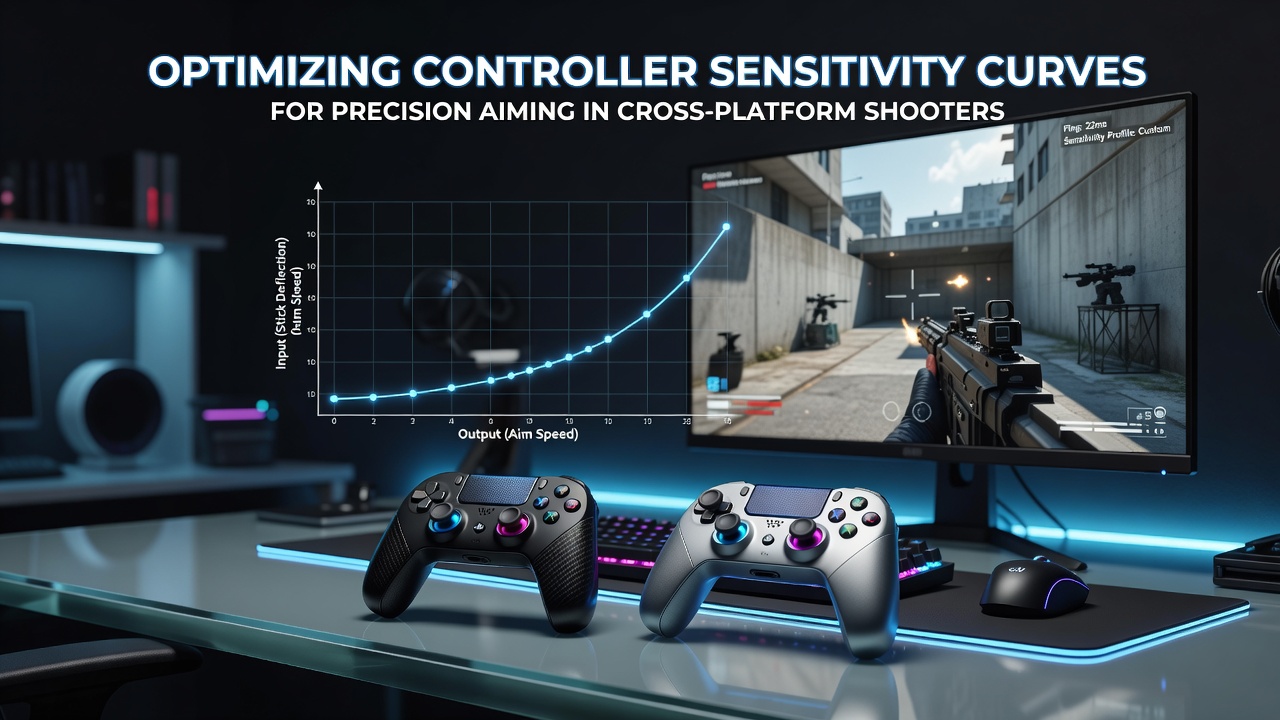
Optimizing Controller Sensitivity Curves for Precision Aiming in Cross-Platform Shooters
Cross-platform shooters require players to fine-tune controller sensitivity curves because input devices vary across consoles and PCs, and these adjustments directly affect how stick movement translates into on-screen aiming accuracy. Data from industry reports shows that consistent performance improves when users map input response through custom curves rather than relying on default linear settings, and this holds true whether someone plays on Xbox, PlayStation, or a Windows system with a compatible controller.
Understanding Sensitivity Curves in Controller Input
Sensitivity curves define the relationship between physical stick deflection and virtual camera movement, so a linear curve produces steady acceleration while an exponential one increases speed sharply near the edges. Researchers at academic institutions have documented that players in titles like Call of Duty and Fortnite achieve tighter groupings on distant targets when they flatten the initial portion of the curve and then ramp up response for quick turns. This setup reduces overshoot during micro-adjustments yet preserves the ability to spin around when threats appear from behind.
Deadzone settings interact with these curves because any slack at the stick's center point can compound small errors in low-sensitivity zones, and calibration tools built into many games allow users to measure and compensate for hardware variation. Observers note that cross-platform titles often expose separate sliders for horizontal and vertical response, which matters when controller hardware from different manufacturers exhibits slight differences in potentiometer resistance.
Platform-Specific Considerations for Curve Optimization
Console ecosystems enforce different default deadzone sizes and poll rates compared with PC environments, so a curve that feels precise on one device may introduce lag or jitter on another. Figures from the Entertainment Software Association reveal steady growth in cross-play participation through 2025, and this trend has pushed developers to include more granular curve editors that account for input latency differences across networks and hardware. Players who switch between platforms frequently discover that saving profile presets helps maintain muscle memory, while those who experiment with software overlays on PC can test non-linear functions that consoles do not expose natively.
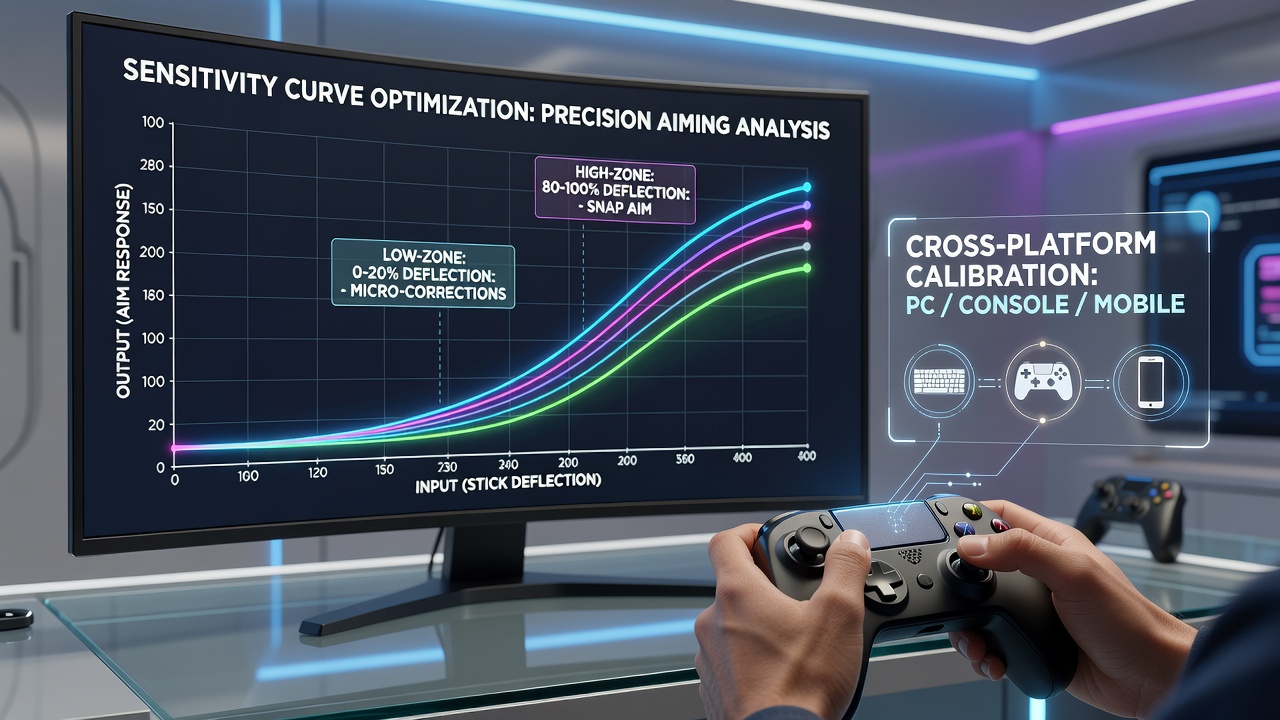
As of August 2026, several major shooters have added cloud-synced sensitivity profiles that carry curve data between devices, and this feature reduces setup time for competitive users who travel with different controllers. The change stems from hardware standardization efforts among manufacturers, yet it still requires manual verification because stick tension and travel distance continue to differ between models.
Practical Steps for Testing and Refining Curves
One effective method starts with a base linear response at 50 percent overall sensitivity, after which users add a small deadzone offset and then introduce a gentle exponential boost beyond 70 percent stick deflection. Testing occurs in aim trainers or private matches where hit percentage and time-to-target metrics can be recorded across repeated trials. Those who study the data often find that lowering the mid-range sensitivity while preserving high-end acceleration produces better results in long-range engagements, whereas close-quarters scenarios benefit from a flatter overall profile.
External utilities on PC allow real-time curve visualization and export to console formats when supported, and community resources compile benchmark results from standardized aiming drills. Academic studies on motor control indicate that consistent practice with a single curve yields diminishing returns after roughly two weeks, so periodic re-evaluation helps maintain peak performance as player reflexes adapt.
Conclusion
Optimizing controller sensitivity curves remains an iterative process grounded in measurable input behavior and performance metrics across platforms. Continued hardware refinements and in-game tools support more precise customization, which benefits players seeking consistent aiming regardless of the device in use.